Divinum Controls Guide
Bind dash, block, map, and swap so stylish strings are physically possible.
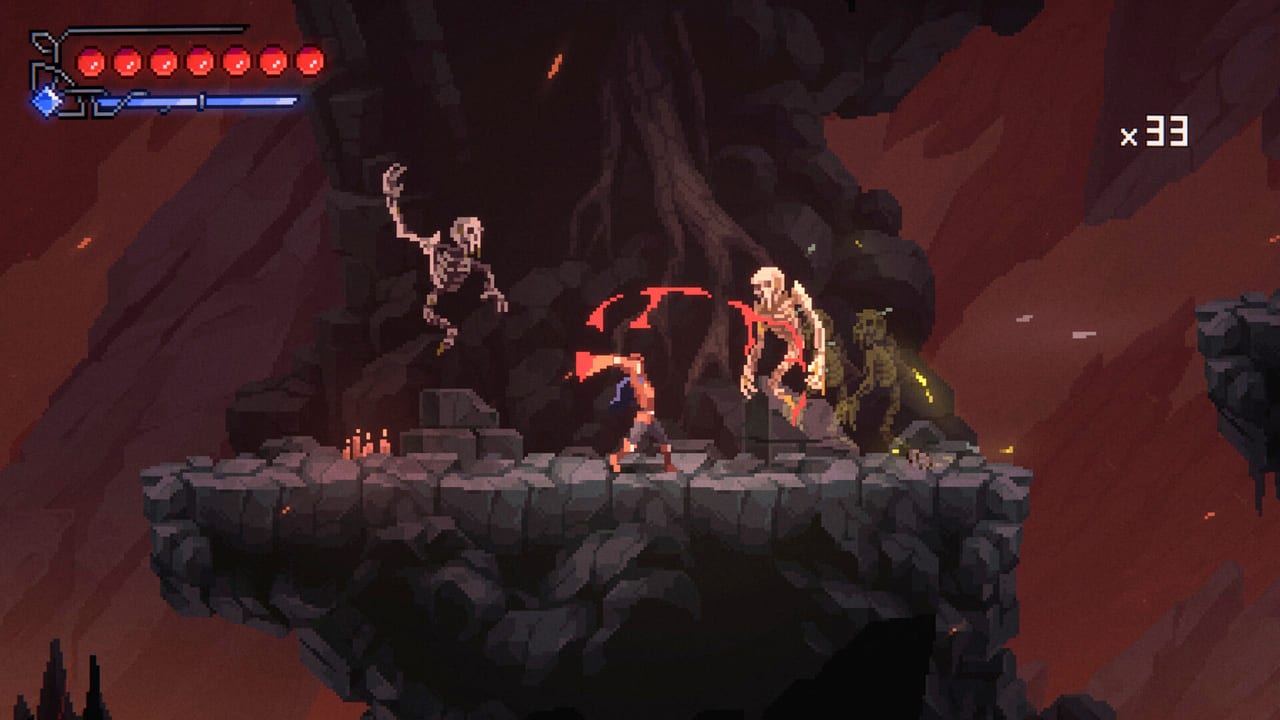
Divinum supports a full controller layout, DualShock, DualSense, and a keyboard-only option. That is the store-page truth. This page turns it into a bind philosophy plus the confirmed defaults we actually have from patches and play footage. It will not invent a complete 12-skill keyboard table that you cannot verify in the menu.
Open your in-game remap screen while you read. Then practise the drills on combat combos.
Confirmed and widely observed inputs
- Map. Dedicated button added in the late demo. Default Tab on keyboard, Select on a pad. If you cannot hit this without dropping a dash, rebind it. The map guide is useless if the map is a claw grip.
- Look down / look up. Hold down (S on a typical WASD layout) to peek below a platform; hold up (W) to scout ceilings. Secrets hide in those tilts.
- Attack. On an Xbox-style pad, play-footage uses X as the attack face button. Your Steam layout may show the same action on a DualSense equivalent.
- Uppercut (launch). Hold up + attack to lift. Quick-tap the same combination for the alternate uppercut that stays grounded. That alternate was added in the 0.39 demo notes and is now part of how low caves should be played.
- Block / perfect block. Timed against incoming hits. Perfect block is “just as it lands,” costs mana, and shoves toward stun. Too early still costs mana and still loses a pip. Empty mana after a block can stun Fjør. This is a control issue as much as a combat issue: if block is on a clumsy bumper, you will panic-hold it.
- Dash. Multi-direction. This is your free escape when the mana bar is too low to block. Bind it where your thumb already lives.
- Weapon swap. Two primaries. If swap is buried, you will never use the weapon that makes a juggle S-tier.
Skills are mana buttons. Put the one or two jobs you actually press — launch starter, execute, swat — on reachable shoulders. The rest can wait. See skills and Fury.
Keyboard versus pad
Both are first-class. Keyboard-only is an official option, which matters if you hate sticks. Pad is what most spectacle-fighter hands already know. Launch reviews include both, plus Steam Deck hours.
Pick one scheme for the first hour. Mixing WASD and a pad mid-prologue is how people forget which finger is dash.
If your hands cramp, that is a documented launch complaint, not a personal failure. Shorten sessions, especially in cleansing rituals. Lower the optional difficulty of those rooms by coming back later, not by mashing harder.
Bind rules that prevent wipes
- Dash and block must be hittable without taking the thumb off movement for a full second.
- Map must not share a key with jump or attack.
- Weapon swap must be a tap, not a hold menu.
- Perfect block cannot live on a key you also use to sprint everywhere — you will hold it dry.
- After you remap, fight fodder for ten minutes before a named elite. Muscle memory does not update on the Elite Sentinel of Soulfire.
Steam Input and Deck
Full controller support means Steam Input layouts should just work. If a prompt shows the wrong icon family, check the controller type in Steam rather than in a wiki table. Deck-specific comfort sits on Steam Deck.
Accessibility flags
Camera comfort and custom volume shipped. Use them. “Playable without timed input” on the store is about QTE-style prompts, not about perfect block becoming automatic. You will still time stylish defence if you want stylish defence.
After binds, go play
Controls are finished when you can: open the map, peek down, launch a slime, swap weapons, and dash out of a telegraph without looking at the keyboard. That is the getting started bar. If a patch remaps a default, we will note it on launch notes rather than pretending this page is a screenshot of your install.
Frequently Asked Questions
Quick answers to the most common questions.
What is the Divinum map key?
Tab on keyboard and Select on a controller by default. Rebind it if that fights your dash.
How do I uppercut?
Hold up plus attack to lift. Quick-tap the same input to stay grounded. Practise in combat combos.
Keyboard or controller?
Either. The store lists full controller support and a keyboard-only option. Pick one for the first hour, then read getting started.