Divinum on Steam Deck
Verified 2D action — still a combo game, still hard on the thumbs.
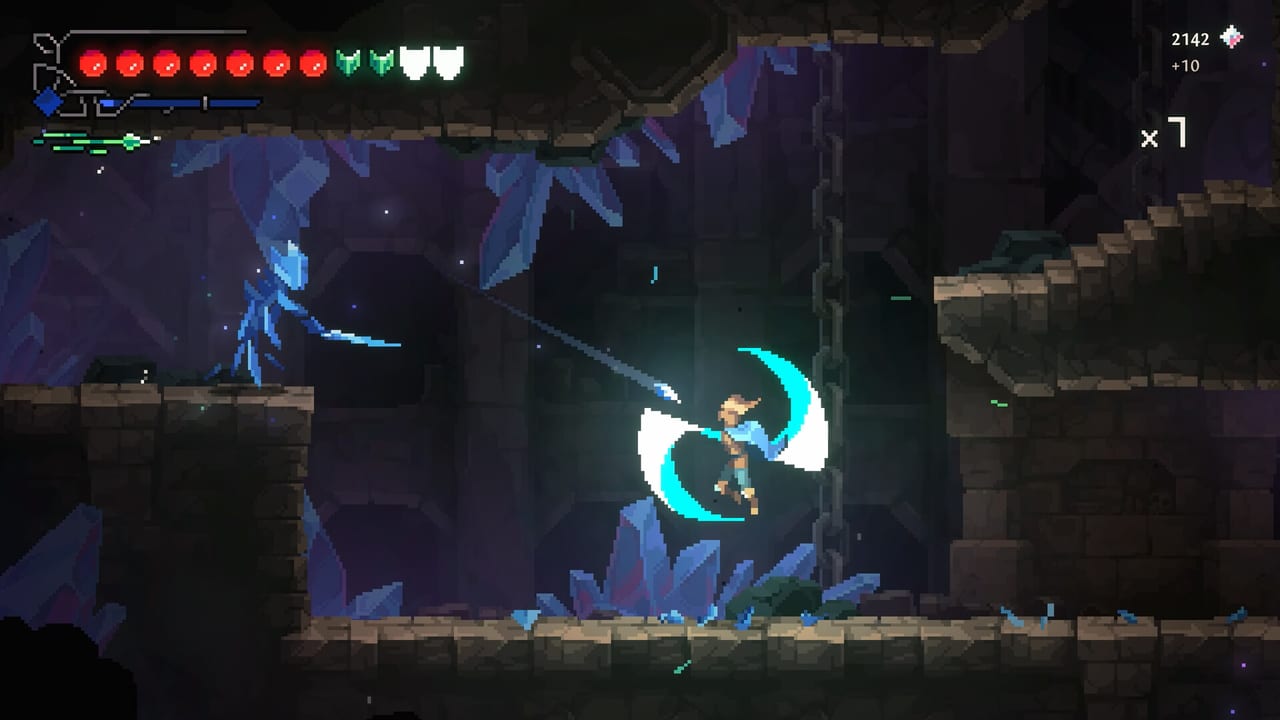
Steam marks Divinum as Deck Verified. The compatibility blurb says default controller config works, Deck icons show, text is legible, and default graphics perform well. Launch reviews already include playtime on SteamOS hardware. This page is the handheld add-on to controls and system requirements.
Verified is not “easy on a commute.” Cleansing rituals still want intent. Your thumbs will notice.
What Verified buys you
- You can pick up the Deck, download the Steam build, and play without a community layout as a requirement.
- Face-button prompts should match the device.
- Default graphics are expected to hold. This is a 2D pixel-art game with a 1 GB footprint; that part of the badge is believable.
If a prompt shows Xbox icons on Deck, check Steam’s controller type before you remap in a panic.
Handheld binds
Use the same philosophy as the desktop pad:
- Dash and block on comfortable shoulders.
- Map on Select / the Deck equivalent of the dedicated map button (the late demo added it; default on pad is Select).
- Weapon swap as a tap.
- Skills you actually press on reachable buttons; park the rest.
Perfect block on a handheld is easier than on a cramped keyboard and harder than on a full-size Xbox pad if your grips are loose. Rest the Deck. Do not claw a tier-three trial on a bus and then blame the badge.
Gyro is not required. The game is a 2D side-scroller. If you enable gyro for fun, do it after you can already juggle, not as a substitute for combat combos.
Comfort and audio
Camera comfort and separate volume sliders shipped. On a handheld, drop music one notch so swing cues stay readable in a noisy room. Several reviewers like the musical sword — that layer is how you time stylish defence.
16:9 is recommended on desktop. The Deck screen is already a 16:10-ish rectangle depending on settings; if you add borders or stretch, you may hide HUD orbs. Prefer the default Verified image.
Sessions
Launch reviews mention hand cramps from rapid strings even on desktop. Deck makes that worse if you play rituals in one sitting. Suggested loop:
- One exploration screen from map.
- One combat room to keep Fury memory warm.
- Optional ritual only if your thumbs are still honest.
- Sleep the Deck before a named elite if you are tilting.
Steam Cloud is on, so a desktop continuation is legal. Do not treat Deck as a different save planet.
Docked play
Docked, you are just on a pad with a TV. Re-read the 16:9 note. Sit close enough to see telegraphs; cyan beams in catacombs are the exam. The Elite Sentinel of Soulfire is a terrible first docked fight if the sofa is six metres away.
If it hitchs or clips
Hitching: cap frames, close the Steam overlay you are not using, verify the install. Clipping: the ledge-plus-jump bug is a game issue, not a Deck issue. Menu-quit, as on launch notes.
Buy / wait
If you already like 2D action on Deck, Divinum is the correct size: short island, dense combat, Verified badge. If you want a chill handheld Metroidvania with no thumb tax, this is the wrong game. The review says the same thing without the hardware hat.
After setup, go to getting started. The badge does not launch enemies for you.
Frequently Asked Questions
Quick answers to the most common questions.
Is Divinum Steam Deck Verified?
Yes. Steam lists it as Verified with a working default layout, readable UI, and acceptable default graphics.
Does Cloud save work between Deck and PC?
Steam Cloud is a listed feature. Use it, and let Steam finish syncing after a crash before you launch the other device.
Are cleansing trials harder on Deck?
The rooms are the same. Your thumbs get less rest. Shorten sessions and keep controls comfortable.